 SecureQuest
Free
$0
Learn the basics and build the habit.
- 5 security rules: secrets, unsafe regex, weak hashes, eval, XSS
- Up to 5 new suggestions a day, and the file tells you when more were found
- XP and levels
- Daily quests
- Pixel UI
- Basic badges
SecureQuest is a VS Code extension that flags risky JavaScript and TypeScript as you work, then rewards every real fix.

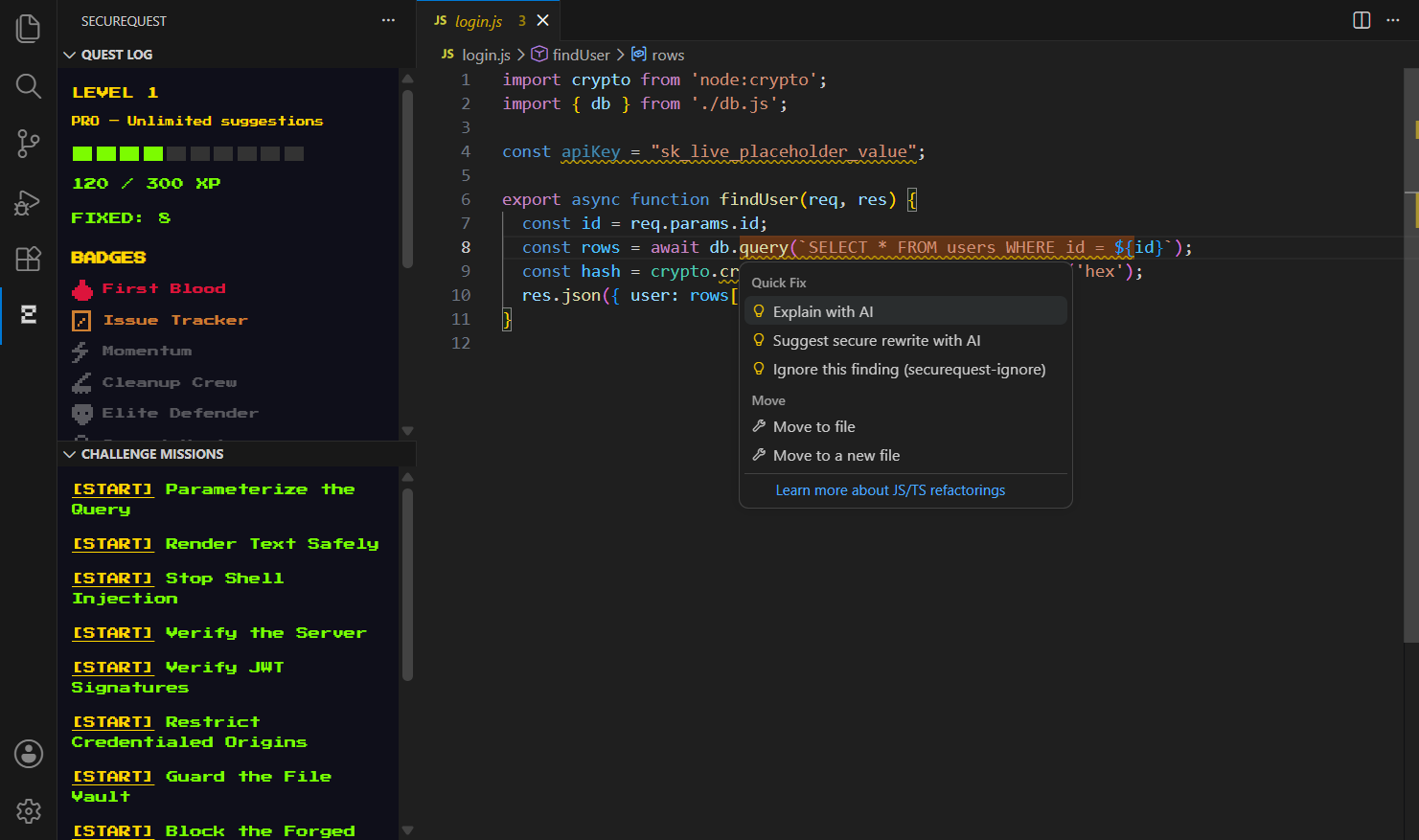
Risky code gets a warning right in your editor, such as a hardcoded secret, a weak hash, or an unsafe HTML sink.
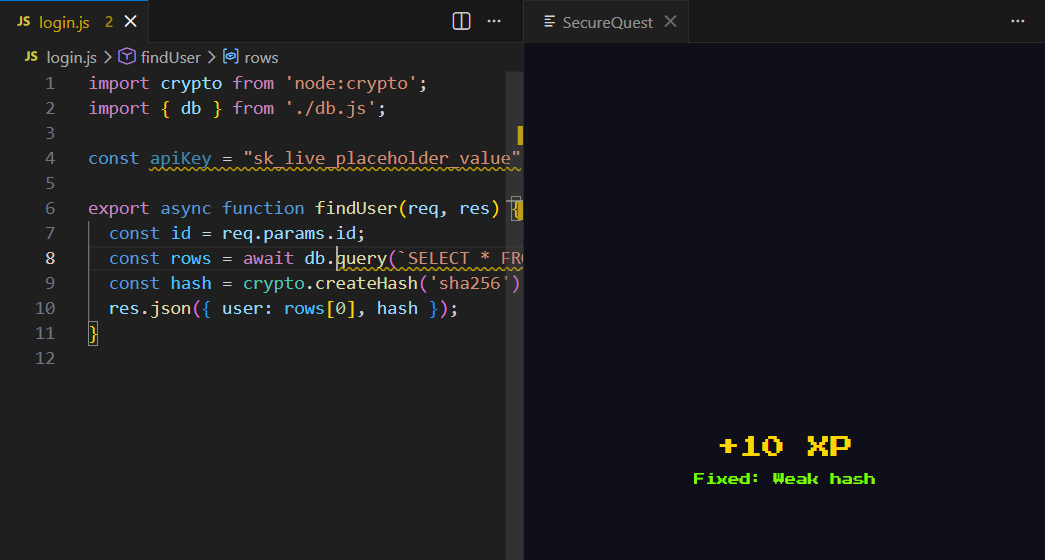
Change the code and save. Fixes are checked by scanning the file again, so hiding a warning doesn't count.
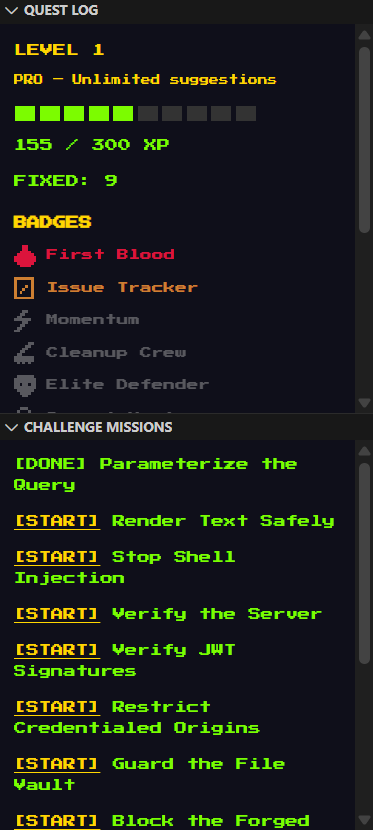
Earn XP, finish daily quests, and collect badges as your code gets safer.
- crypto.createHash('md5')
+ crypto.createHash('sha256')
+10 XP Fixed: Weak hash
Captured from the extension running in VS Code. These show the Pro tier.
$0
Learn the basics and build the habit.
$4.33/mo
Start with SecureQuest Pro from CA$4.33 a month. Everything in Free, with no daily limit, plus:
By installing or buying SecureQuest you agree to the Terms of Service. See the Privacy Policy for how your data is handled.
No reviews yet. These are placeholders, not real customers.
Your review about catching a hardcoded secret could go here.
Your review about daily quests and XP could go here.
Your review about challenge missions could go here.
Download the extension, then install it from your terminal. Needs VS Code 1.137 or newer.
Download for VS Codecode --install-extension securequest.vsix
Run this from the folder you downloaded it to. The free tier needs no account or license key.